Modules
The AI services behind hearing, mind, voice and web access
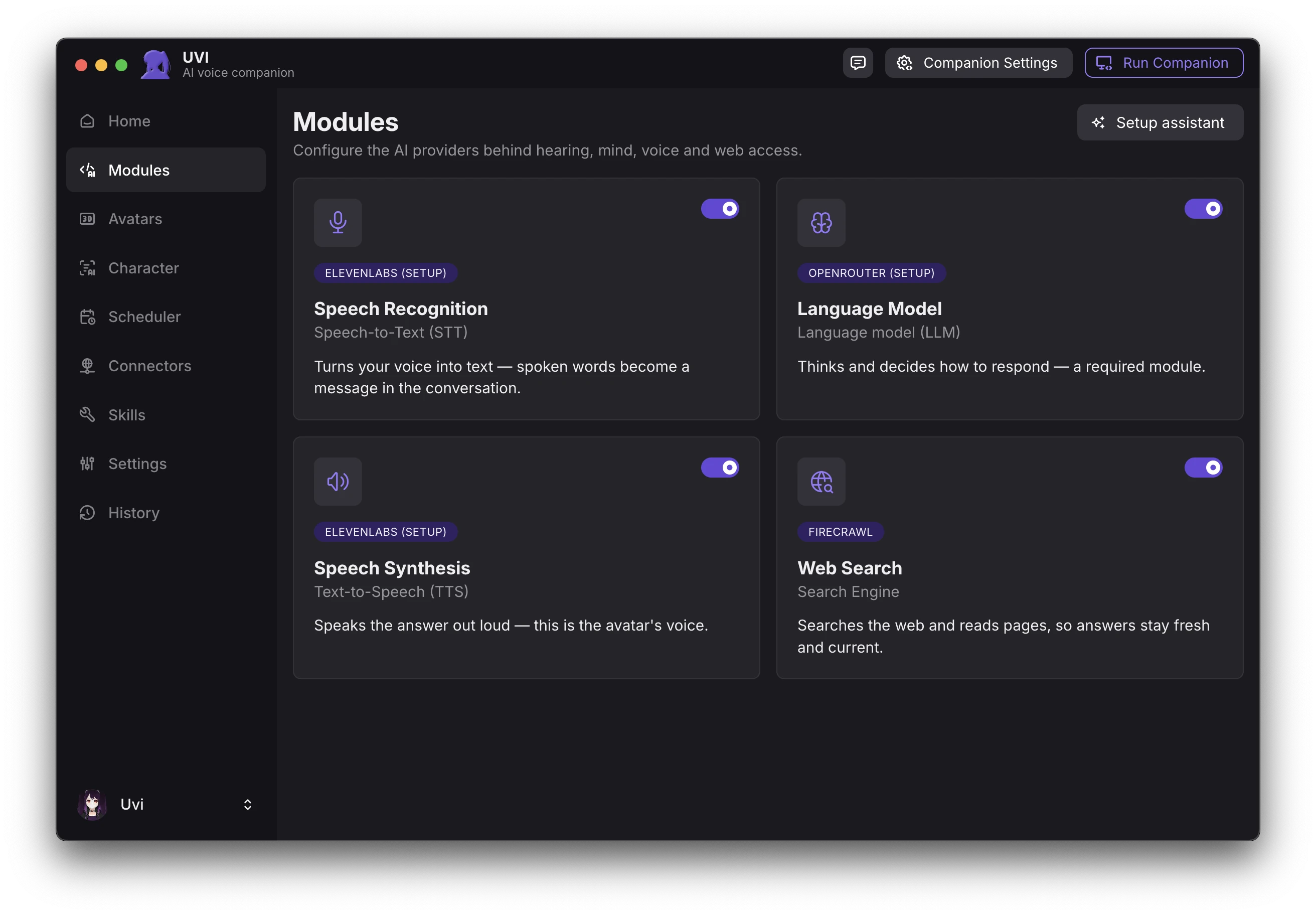
The Modules page configures the AI providers UVI runs on. There are four:
| Module | What it does |
|---|---|
| Speech Recognition (STT) | Turns your voice into text, so spoken words become a message in the conversation |
| Language Model (LLM) | Thinks and decides how to respond — a required module |
| Speech Synthesis (TTS) | Speaks the answer out loud — this is the avatar's voice |
| Web Search | Searches the web and reads pages, so answers stay fresh |
An unconfigured module shows a Not configured badge. The Setup assistant button at the top reopens the assistant at any time.
Each profile has its own providers. A profile started from Default template begins with none, and a copy brings over the providers and keys of the original.
How every module works
Setting one up always takes the same three steps:
- Open the module's page and pick a Provider from the list — see Providers for what each one offers. Providers you can start with for free carry a "(free to start)" mark.
- Press Add and fill out the form (name, API key, model and provider-specific fields). Model fields suggest options as you type.
- Press Use this on a provider's card to make it active. Each module keeps exactly one active provider, marked with an In use badge.
You can add several providers to a module and switch between them whenever you like. Deleting one asks for confirmation.
Turning a module on and off
As soon as a module has an active provider, a toggle shows up in the top-right corner of its card. Switching it off takes the module out of the pipeline without deleting anything: the provider and its key stay where they are.
That gives every module three possible states:
| State | What it means |
|---|---|
| Active | A provider is chosen, and the module is switched on |
| Turned off | A provider is chosen, but the toggle is off, so the module is skipped |
| Not configured | No provider yet |
Turning off speech recognition and speech synthesis is the deliberate way to run UVI as a text
chat (see Text Mode). The language model is the exception: with it off there
are no replies at all, and the ControlBar shows TURNED OFF.
Web Search has the same toggle. Turn it off and the companion knows search is unavailable, so it says so instead of trying.