Chat Window
The conversation in a separate window, next to your work
The chat window is the same conversation as in the app, in a window of its own: small, resizable and independent of the main window. Open it with the chat icon in the app header, or from the tray menu (Open Chat) when the main window is hidden.
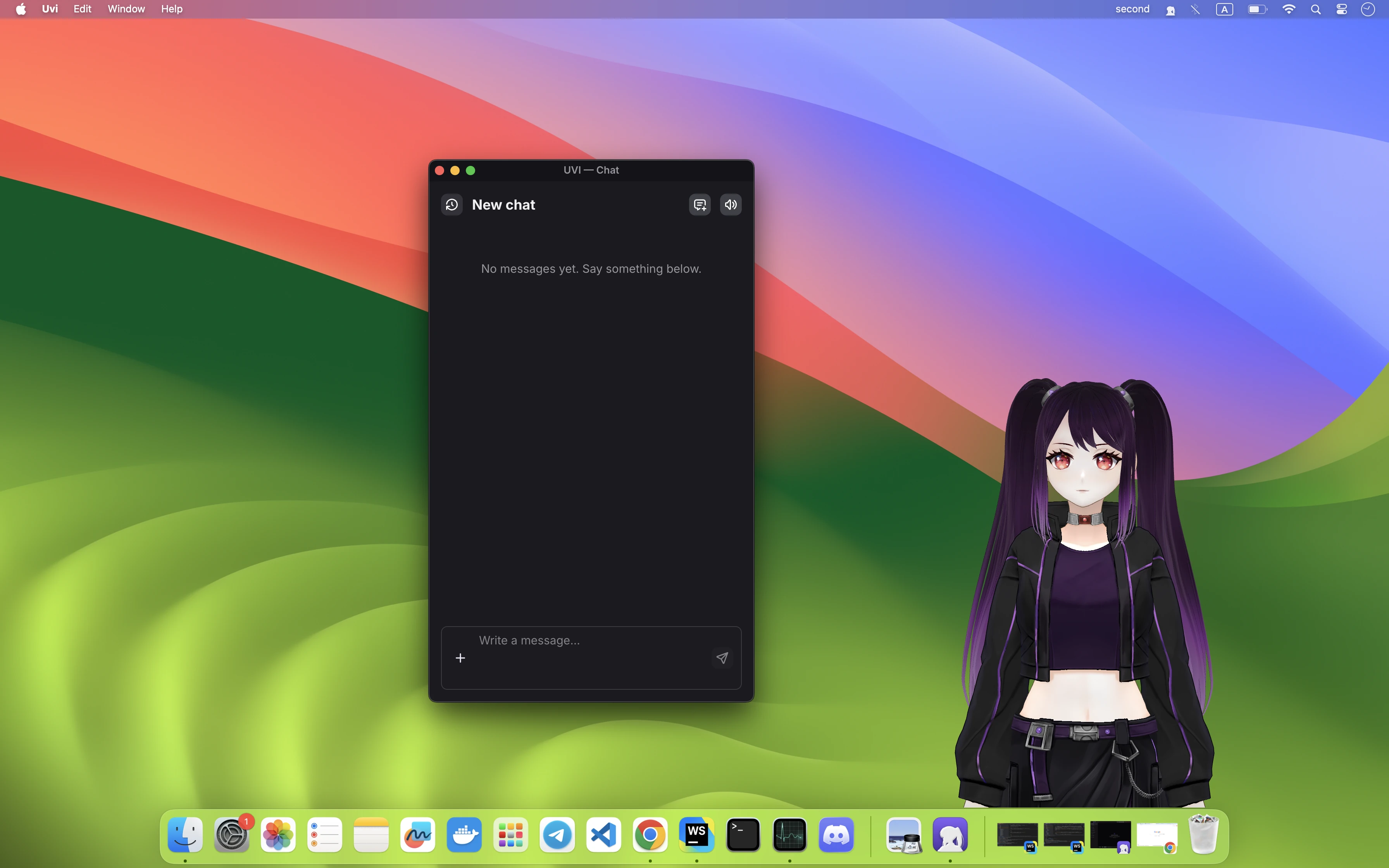
What's inside
- Header — the history icon, the session title, New session and the voice toggle.
- Transcript — the same messages as in the chat: replies with markdown formatting that appear as they're generated, tool chips, the "earlier messages summarized" divider.
- Input — type, attach files with the plus, send with Enter (Shift+Enter for a line break). While the companion is answering, the send button turns into Stop.
Sessions
The window always shows the current session (the same one the main window works with). Start a new one with the plus, or press the history icon to open the list and switch sessions with a click; the active session is outlined.
The list is deliberately minimal: renaming, deleting and Run Companion stay in History in the main window. While a reply is in progress, you can't switch or start sessions, same as everywhere else.
Good to know
The chat window works in both modes. Voice doesn't have to be off to use it: it's a second, lighter surface for the same conversation.
- The voice toggle in the header mutes replies exactly like the one on Home. If speech synthesis isn't set up, the interface shows a warning: turn the module on or configure it from the main window.
- The window keeps working while the main window is hidden in the tray.
- Switching profiles closes the chat window.
- Changing the interface language applies to the open window immediately.