Skills
Teach the companion new abilities with Agent Skills
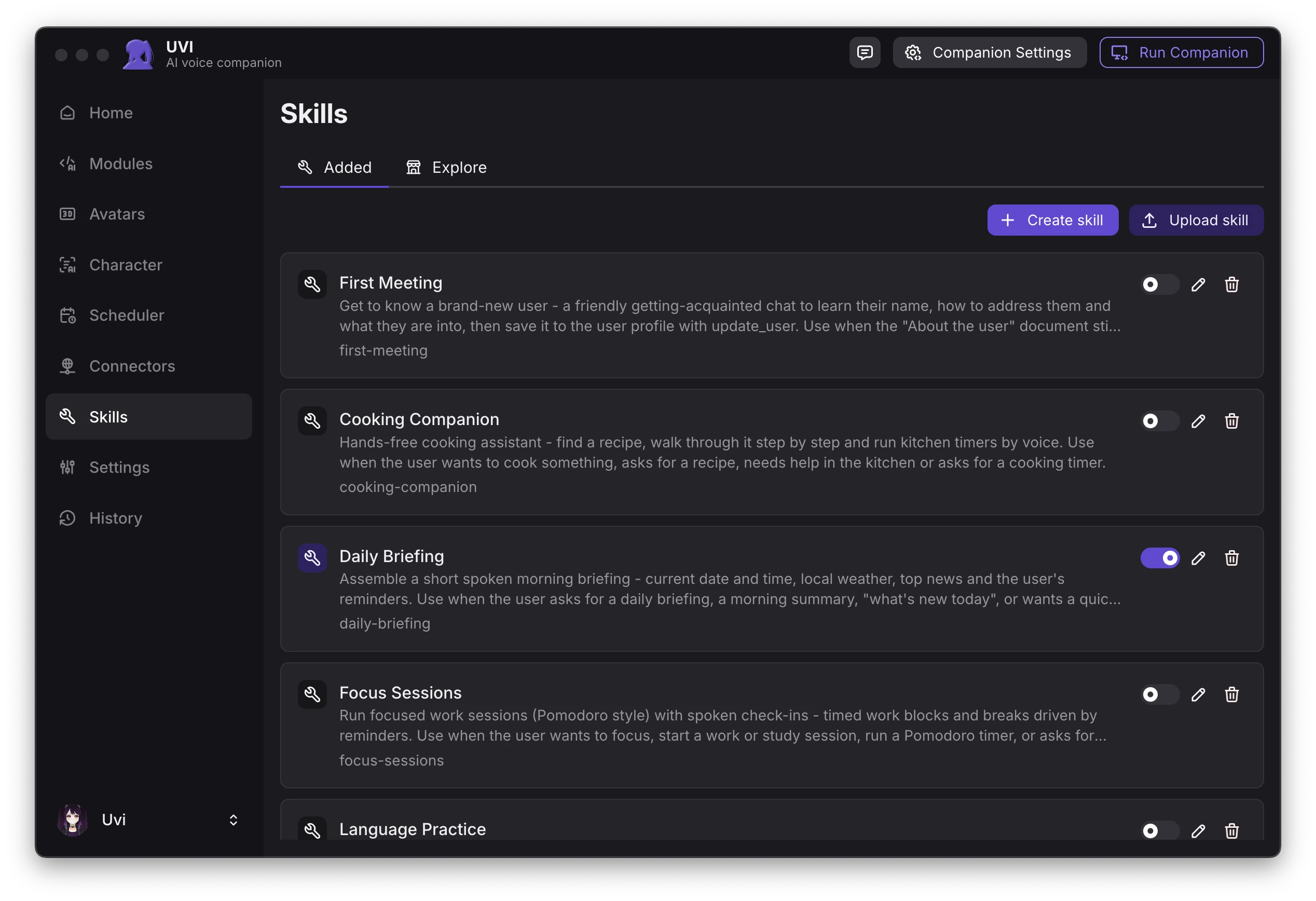
Skills extend the companion with instructions in the open Agent Skills format: a folder with a SKILL.md markdown file and optional reference materials. The companion always sees the names and descriptions of enabled skills. It loads the full instructions only when one is needed.
Two tabs: Added (your library) and Explore (ready-made skills to download).
Creating and uploading
- Create skill — write a skill right in the app: a name, a description (the skill is chosen based on this text, so word it to say when to use the skill) and the instructions in markdown.
- Upload skill — import a
.zipof a skill folder (Agent Skills format) or a singleSKILL.md, up to 30 MB. - Cards have an Enable/Disable toggle, Edit skill and Delete skill. The toggle works in the current profile: a skill you create, upload or download is enabled only there.
- A skill enabled in other profiles has to be disabled in them before you delete it. The delete window lists those profiles and has a Disable in these profiles button.
Bundled scripts are stored but never executed. Skills in UVI are instructions only; a skill that ships scripts gets a "Contains scripts" badge.
Explore
An online catalog of skills. Download adds a skill to your library: it appears on the Added tab, already enabled in the current profile.
The built-in skill
first-meeting helps the companion get to know a new user and fill in About Me. Once About Me is filled in, the skill switches itself off. It does so one time in each profile.