Overview
What UVI is and what it can do
UVI is a personal AI voice companion that lives on your computer. Talk, write, share your thoughts and connect the services you already use. The companion remembers you and is always there for you. Use it with your own API keys from popular AI services, or connect your own local AI models.
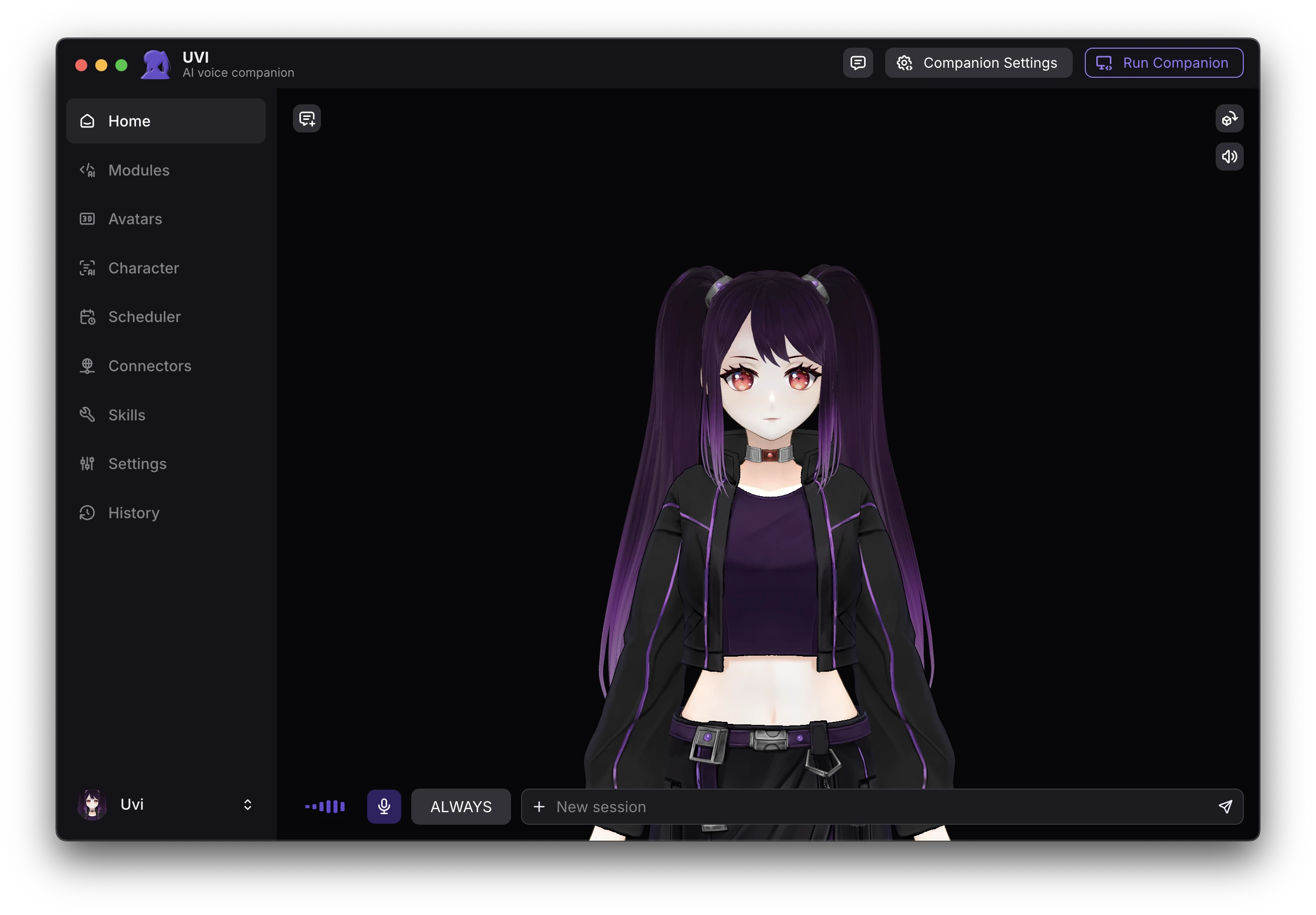
What UVI can do
- Voice conversations — push-to-talk or continuous listening, wake word, and interrupting the companion mid-sentence.
- 3D avatar — VRM models with procedural animation (blinking, breathing, lip-sync) plus two packs of on-request animations: gestures and dances.
- Companion mode — the avatar moves to a small transparent window that floats above your desktop while you work.
- Text mode — a plain text chat for when you'd rather type or need a quiet setup, with subtitles over the avatar and a separate chat window.
- Tools — 36 built-in, including web search, reading, editing and searching files, screenshots, clipboard and reminders, all guarded by a confirmation system.
- Connectors — plug external services in via MCP: Telegram, Discord, Gmail, Google Calendar, Notion, Spotify, Twitch, a browser and more.
- Skills — extend the companion with instructions in the open Agent Skills format.
- Scheduler — one-time and recurring tasks the companion runs on its own.
- Memory and character — editable personality, About Me and long-term memory.
- Profiles — several characters to switch between, each with its own memory, chat history, providers and settings.
- Files in the chat — attach images, audio and documents (PDF, Word, Excel, PowerPoint, OpenDocument, RTF, EPUB) to any message.
- Local HTTP API — send messages to the companion from scripts and external tools.
How it works
UVI runs on three AI services: speech recognition (STT) to hear you, a language model (LLM) to think, and speech synthesis (TTS) to talk back. You connect them with API keys from providers of your choice. UVI supports over 20 providers, including local ones: Ollama, LM Studio or your own server. The Setup Assistant configures a recommended combination in about 5 minutes. For a text-only chat, one language model is enough (see Text Mode).
Platforms
UVI runs on macOS, Windows and Linux. See Installation.
Where to go next
- Installation — install and run UVI for the first time.
- Setup Assistant — connect STT, LLM and TTS in a few minutes.
- Providers — the full list of supported AI providers.
- Voice Mode and Text Mode — the two ways to talk to the companion.